What is Workload Identity Federation?
Workload identity federation lets a workload prove who it is with a short-lived, signed token from its platform, instead of a long-lived key that someone stored.
The video compares a stored key, which works for anyone who holds a copy, with workload identity federation. The workload exchanges a token from its platform for short-lived credentials and stores no key.
Most systems still authenticate machines with long-lived keys. Examples are a cloud access key in a CI secret, an API key in an environment variable, and a database password in a file. Each key works for anyone who holds a copy, from anywhere, until someone rotates it.
Workload identity federation removes the stored key. The workload asks its own platform for a signed, short-lived token. The service it calls exchanges that token for short-lived credentials. Their lifetime depends on the provider and the role, from minutes to hours, so set an explicit maximum.
The standard behind most workload identity federation is OpenID Connect (OIDC). OIDC defines how an issuer signs a JSON Web Token (JWT) and how a relying party checks it. Every major cloud, the main CI platforms, Kubernetes, and the large model providers now accept or issue these tokens.
Why do long-lived keys fail?
A long-lived key is a bearer credential. The service that receives it cannot tell the real workload from an attacker who copied the key. So every place the key goes is a place it can leak from: CI logs, laptops, chat transcripts, vendor systems, and backups.
Recent incidents show the pattern:
- A key that nobody retired. In one recent intrusion, the first step was a valid cloud access key that a vendor held and nobody retired. The attacker used it to read stored secrets, and each secret opened the next system.
- Secrets stolen from CI. In November 2026, a campaign used 4,837 compromised GitHub accounts to open probe pull requests in 61,764 repositories. In more than 1,800 of them, a payload dumped every workflow secret and the job's OIDC token, then exchanged the token for cloud access.
- Keys in AI transcripts. Vercel's CTO, Malte Ubl, described static credentials that "leaked through stolen LLM transcripts that contained the credentials" in one recent incident. A key that someone pastes into a prompt lives on in every copy of that transcript.
Rotation does not fix the problem. A rotated key is still a long-lived key between rotations, and the rotation job itself needs a privileged credential. Encryption at rest does not fix it either, because the workload must decrypt the key to use it.
The platforms are moving away from static keys. Vercel surveyed more than 1,000 SaaS vendors and found that only 8.4% supported secure authentication methods. Under its announced plan, Marketplace vendors that still need long-lived secrets get a "Not secure" label by November 30, 2026. They leave the Marketplace in January 2027.
How does workload identity federation work?
Workload identity federation has three parties. The issuer knows which workload is running and signs tokens about it. The workload asks the issuer for a token. The relying party is the service that the workload wants to call, such as a cloud provider or a model API.
The issuer signs a token
The issuer is the platform that runs the workload: a CI system, a hosting platform, a Kubernetes cluster, or a cloud. It publishes its public signing keys at a well-known URL. When the workload asks, the issuer signs a short-lived JWT that describes the workload.
The token carries a small set of claims:
issnames the issuer.sub(the subject) names the workload, such as one repository and one deployment environment.aud(the audience) names the relying party that the token is for.expsets the expiry, usually minutes away.
The relying party checks the token
The relying party fetches the issuer's public keys and verifies the signature. It then checks that the issuer is one it trusts, that the audience names itself, and that the token has not expired. A token with the wrong audience fails, even when its signature is valid.
The trust policy decides who gets in
A valid token proves where it came from. It does not yet grant anything. A trust policy on the relying party maps token claims to a role. For example, a token from one issuer, for one audience, with one subject, can assume one role. The trust policy decides who gets a credential. The role's permissions decide what that credential can do. The trust policy is where most of the security of the design lives.
The exchange returns a short-lived credential
The workload sends its token to the relying party's exchange endpoint, such as AWS Security Token Service (STS). The endpoint checks the token against the trust policy and returns a credential for the matching role. AWS role credentials from this exchange last one hour by default. The workload never stores a key, and the credential it holds expires on its own.
Where does workload identity federation work today?
Most platforms that a team uses for production can now issue or accept OIDC tokens:
- AWS accepts outside tokens through
sts:AssumeRoleWithWebIdentity. It also issues tokens for its own workloads throughGetWebIdentityToken, so an IAM identity can prove itself to a service outside AWS. - Microsoft Azure accepts outside tokens through Microsoft Entra workload identity federation, which maps an issuer and subject to an app registration or a managed identity.
- Google Cloud accepts outside tokens through Workload Identity Federation, with pools and providers that map claims to service accounts.
- GitHub Actions issues a token for each job that asks for the
id-token: writepermission. - Vercel issues a token for each function request, with a subject that names the team, project, and environment.
- Kubernetes issues projected service account tokens that carry an audience and an expiry.
- OpenAI and Anthropic both exchange an OIDC token for a short-lived API token, so an agent can call a model with no stored API key.
How do you pin a trust policy?
Workload identity moves the risk from the secret to the trust policy. The CI campaign above did not need a stored cloud key. It ran inside workflows that had id-token: write, asked for a token, and exchanged it. A trust policy that accepts any branch of a repository gives that token to anyone who can push a branch. A policy that accepts any repository in an org is broader still.
For GitHub Actions and AWS, pin the subject to one repository and one GitHub environment:
{
  "Version": "2012-10-17",
  "Statement": [
    {
      "Effect": "Allow",
      "Principal": {
        "Federated": "arn:aws:iam::111122223333:oidc-provider/token.actions.githubusercontent.com"
      },
      "Action": "sts:AssumeRoleWithWebIdentity",
      "Condition": {
        "StringEquals": {
          "token.actions.githubusercontent.com:aud": "sts.amazonaws.com",
          "token.actions.githubusercontent.com:sub": "repo:your-org/your-repo:environment:production"
        }
      }
    }
  ]
}
Match the exact subject that your repository issues. GitHub repositories created after July 15, 2026 use an immutable subject that includes the owner and repository IDs, such as repo:your-org@123456/your-repo@456789:.... Older repositories keep the format above unless an admin opts in. Read the format in GitHub's OIDC reference before you write the policy.
An environment subject names no branch. So configure the environment itself: accept deployments only from the default branch, and require a reviewer. A pushed branch then cannot reach the role, because it cannot deploy to the environment.
Limit the token in the workflow too. Set permissions: {} at the top of every workflow, and grant id-token: write only to the job that deploys:
permissions: {}

jobs:
  deploy:
    runs-on: ubuntu-latest
    environment: production
    permissions:
      contents: read
      id-token: write
    steps:
      - uses: aws-actions/configure-aws-credentials@<full-commit-sha>
        with:
          role-to-assume: arn:aws:iam::111122223333:role/deploy
          aws-region: us-east-1
The same rule applies on every platform. Match the exact issuer, the exact audience, and the narrowest subject that still works. Avoid wildcards in the subject unless each part that they match is under your control.
What about keys that must exist?
Some systems still need a private key, such as an app that signs its own JWTs. Keep that key in a key management service (KMS) that cannot export it. The workload then asks the KMS to sign, through a role that it assumes with workload identity. The key never reaches a CI secret, a hosting platform, or a laptop, so there is no copy to steal.
Kubernetes has the same split. A projected service account token carries an audience and an expiry. The kubelet refreshes it before it expires. This volume mounts one.
volumes:
  - name: identity-token
    projected:
      sources:
        - serviceAccountToken:
            path: token
            audience: sts.amazonaws.com
            expirationSeconds: 3600
A legacy service account token stored as a Secret has no expiry time. Move each client that still uses one to a projected token, and then delete the Secret. Also check which service accounts can create pods or read Secrets across the cluster. Either permission can expose the tokens of other service accounts, and the reach depends on what those accounts can do.
What does workload identity not solve?
Workload identity removes stored keys. It does not make the workload itself trustworthy, and it does not limit what a valid credential can do.
- Code inside the trusted workload. The CI payload described above ran inside workflows that the trust policy accepted. It asked for a token like any honest job would. Branch rules, required reviewers, and pinned actions decide which code runs with the identity.
- Broad roles. A federated credential grants exactly what its role grants. A role that allows many actions on every resource is still one token away from most of the account. Read the actions and the resources together: some actions accept only
*as the resource, so limit those by action. Pair federation with least privilege on every role. - A compromised issuer. The relying party trusts every token that the issuer signs. Trust only issuers that you control or that a major platform operates, and watch for new trust relationships in your audit logs.
- People. Workload identity covers machines. Engineers need privileged access management instead: phishing-resistant multi-factor authentication and just-in-time access to privileged roles.
Federation is the first step, not the only one. It turns "who holds the key" into "which code runs as this workload", and that second question has better answers.
How does it compare with static keys?
| Dimension | Long-lived static key | Workload identity federation |
|---|---|---|
| Lifetime | Until someone rotates or revokes it | Minutes for the token, about an hour for the credential |
| Where it lives | CI secrets, environment variables, laptops, chats | In memory or a projected file, for its short life: the platform issues a new token on each request |
| Who can use a stolen copy | Anyone, from anywhere | Anyone who holds it, until it expires. The token works only at its audience, and the credential works only within its role |
| Rotation | A manual or scheduled job with its own credential | Every token is new |
| Who can get a credential | Anyone who has a copy of the key | A workload whose token matches the issuer, audience, and subject in the trust policy |
| What the credential can do | What the key's permissions grant | What the role's permissions grant, so least privilege still applies to every role |
| Audit trail | The key's name | The workload's claims in every exchange |
| Setup | One value to paste | An issuer registration and a trust policy |
Static keys are faster to set up. That speed is the reason they are everywhere, and it is the reason they leak.
What are common use cases?
- CI and CD deploys. A deploy job assumes a cloud role through the CI platform's OIDC token, so the repository holds no cloud key.
- Serverless functions. A function on a hosting platform calls cloud APIs with the platform's per-request token.
- Kubernetes workloads. A pod exchanges its projected token for a cloud role that only that service account can assume.
- AI agents and model calls. An agent in CI or on Kubernetes calls OpenAI or Anthropic with a federated token, so no model API key sits in its environment.
- Cross-cloud access. A workload on AWS proves its IAM identity to Google Cloud or a SaaS API with a token that AWS issues.
- SaaS integrations. A hosting platform's marketplace integration authenticates with OIDC instead of a pasted API key.
Advanced Topics
Separate audiences for each relying party
Give each relying party its own audience. A token minted for the cloud provider then fails at the model API, and the reverse. A shared audience turns one stolen token into access to every service that accepts it. When one platform issues tokens for several services, request a separate token for each.
Token lifetime and caching
Short lifetimes limit the value of a stolen token, but each exchange costs a network call. Most SDKs cache the credential and refresh it shortly before it expires. Keep the cache in memory only. A cache on disk does not make the credential last longer. But a backup or a copied home directory can expose it until it expires.
Failure modes
Most failures come from trust policies, not from cryptography:
- Wildcard subjects.
repo:your-org/*lets any repository in the org assume the role, including a fork with write access or a new repository. - Missing audience checks. A policy that skips the audience accepts tokens meant for other services.
- Unpinned bindings. Railway reported that an attacker turned "an erroneously defined OIDC binding configuration" into a short-lived cloud credential. From there, the attacker reached a host that held a long-lived key for decrypting customer variables.
- Cross-account trust. A role that trusts another account's issuer inherits every weakness in that account.
- Precedence surprises. Some SDKs check for an API key before they try federation. A leftover key in the environment then silently overrides the federated identity.
Migrate one workload at a time
Workload identity and static keys can run side by side. Move one workload, confirm in the audit logs that it now uses federated credentials, and then delete its old key. Deleting the key is the step that removes the risk. A key that stays in place as a fallback is still a key that can leak.
Workload Identity Federation with Spice
Spice.ai Enterprise can authenticate callers with JWTs from an OIDC provider such as Okta, Microsoft Entra ID, or Google. This feature is in preview. An application or agent then needs no shared API key, and the runtime maps the token's user, org, and group claims for its access policies.
To try token authentication locally, use the Spice.ai authorization recipe. It serves an OIDC discovery document and a JWKS from a small local server, and it signs demo tokens for users in two tenants. The runtime checks each token and applies Cedar policies to each user and tenant. The recipe needs the Enterprise distribution.
Starting with the upcoming Spice v2.5.0, the runtime also calls OpenAI, Anthropic, Azure OpenAI, Amazon Bedrock, Databricks, and AWS data sources as the workload. It takes an identity token from a file, from the GitHub Actions job, or from the cloud identity of the machine it runs on. It then exchanges that token for short-lived credentials. So AI model serving and LLM inference through Spice need no stored model API key, and SQL federation and acceleration reaches AWS sources without one.
Workload identity is one layer of a wider design. Encryption in transit and at rest protects the data that those credentials reach, and software supply chain security protects the code that runs with them.
Workload Identity Federation FAQ
An API key is a long-lived secret that works for anyone who holds a copy. Workload identity federation replaces it with a short-lived token that the platform signs for one workload and one audience.
The OIDC token usually expires within minutes. AWS role credentials from the exchange last one hour by default. SDKs refresh both before they expire, so the workload never stores a long-lived key.
Pin the audience and the subject to one repository and one GitHub environment. Limit that environment to the default branch and require a reviewer, because an environment subject names no branch.
Yes. OpenAI and Anthropic both exchange an OpenID Connect (OIDC) token for a short-lived API token. An agent in CI or on Kubernetes can then call a model with no stored key.
It removes rotation for every credential it replaces, because each token is new. Keys that must still exist need an expiry and a rotation plan, or a key service that cannot export them.
Learn more about workload identity
Docs and posts on authenticating workloads and callers without long-lived keys.
Authentication Docs
Configure OIDC authentication, API keys, and identity SQL functions for Spice.ai Enterprise.
How Spice AI Secures Infrastructure Against Machine-Speed Attacks
Secure by default, by design, and in depth: the controls Spice AI runs against AI-driven attacks, and the checklist any team can copy.
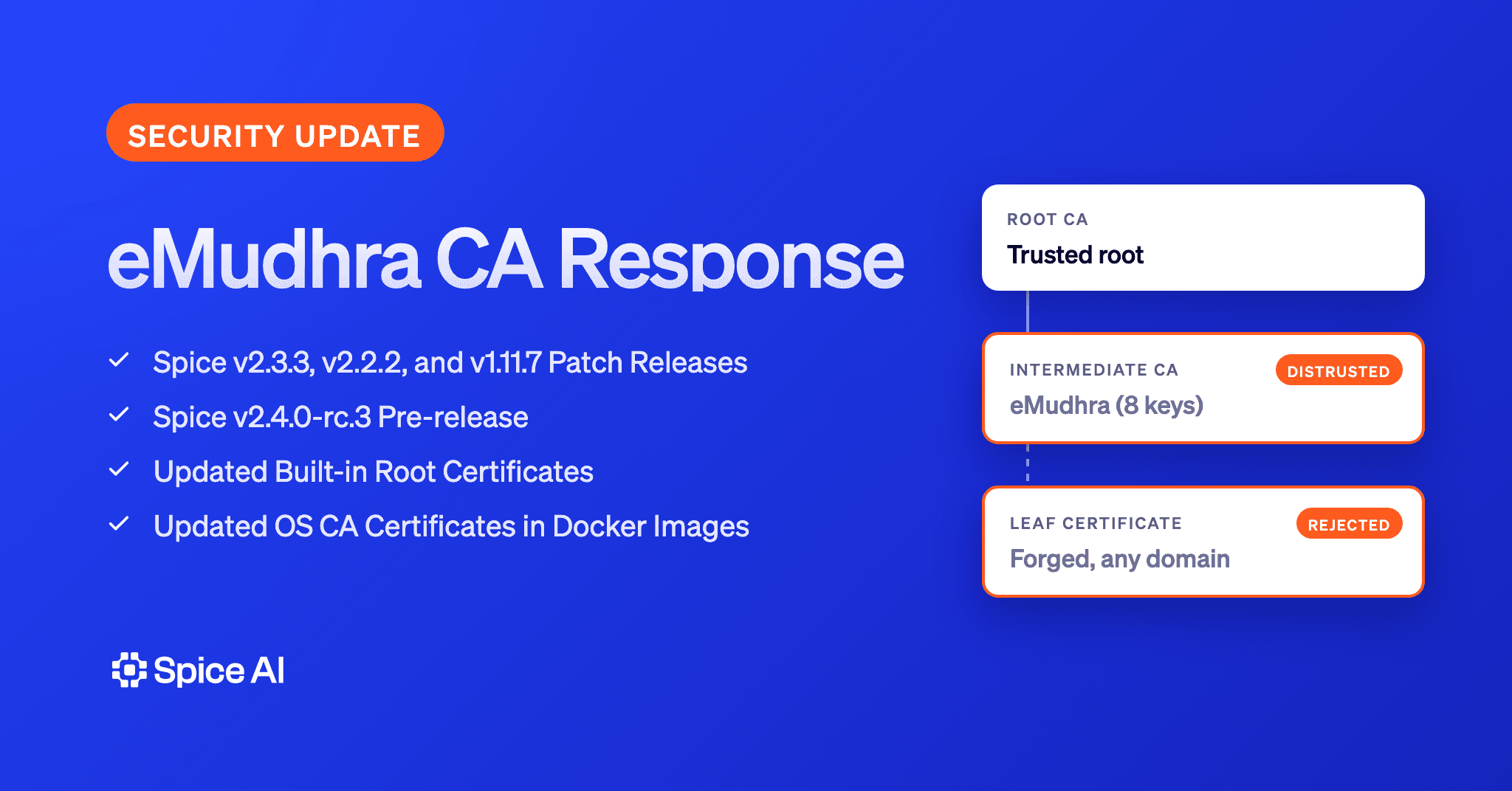
How Spice AI responded to the eMudhra certificate compromise
What changed in Spice when eight eMudhra intermediate CA keys were compromised, and what to upgrade.
See Spice in action
Get a guided walkthrough of how development teams use Spice to query, accelerate, and integrate AI for mission-critical workloads.
Get a demo (opens in a new tab)