What is the Sidecar Pattern?
The sidecar pattern places a helper process alongside each application instance, separating responsibilities while keeping communication local.
Each pod runs a pricing API with a sidecar that serves a local product table over localhost and refreshes it from the upstream database. The sidecar restarts while the app keeps running, and every replica carries its own sidecar, so each app reads locally.
The sidecar pattern deploys a helper process alongside an application instance. The helper performs a separate responsibility, such as proxying traffic, collecting telemetry, or serving a local dataset. The application and helper deploy together but run in separate processes.
In Kubernetes, a sidecar usually runs in the same Pod as the application. The two containers share networking and can communicate through localhost. They can also mount a shared volume when the task requires file exchange.
The pattern trades independent scaling for close placement. Each application replica usually gets another helper, with its own resource requirements. A useful design therefore considers startup, failure recovery, data freshness, and total deployment cost alongside communication latency.
How the Sidecar Pattern Works
A sidecar exposes a local interface or observes a resource that the application already uses. A data helper can answer SQL requests. A log collector can read a shared directory. A proxy can process configured application traffic.
Kubernetes Pod networking and storage define what the containers share. Containers in one Pod share its IP address and port space. Two processes cannot bind the same address and port simultaneously.
They do not automatically share heap memory or container filesystems. A shared volume requires an explicit mount in each container. Process-namespace sharing is also a separate configuration choice.
Outside Kubernetes, co-location alone does not create shared networking. Processes on one virtual machine can use loopback. Containers on a normal Docker bridge network use separate network namespaces and typically communicate through container networking. Do not assume that localhost inside one container reaches another.
Sidecar, Library, Service, or Node Agent?
The appropriate deployment boundary depends on ownership and scaling requirements. The sidecar versus microservice comparison explores the service boundary in more detail.
| Pattern | Deployment unit | Communication | Main tradeoff |
|---|---|---|---|
| Library | Inside the application process | Function calls | Tight language, dependency, and failure coupling |
| Sidecar | Alongside each application instance | Local socket, loopback, or shared files | Duplicated resources and coupled scaling |
| Shared service | Independent service deployment | Network API | Independent scaling with a remote dependency |
| Node agent | Usually one instance per node | Host facilities or network | Shared capacity with less application-specific isolation |
A library fits small functionality that belongs inside the application. A sidecar fits a separate runtime that needs application-local configuration or data. A shared service fits expensive resources that multiple callers can use efficiently.
A node agent often fits machine-wide telemetry. Deploying a separate collector for every application can duplicate work that one collector per node could perform. However, applications with distinct processing or access requirements can justify dedicated collectors.
These patterns can coexist. A local helper can forward some requests to a shared service. That arrangement introduces two execution paths, so latency, access controls, and failure behavior need separate definitions for each path.
When Does a Sidecar Make Sense?
Application-specific data access
A sidecar can keep a small working dataset near a service that queries it repeatedly. For example, a pricing API can read a local product reference table. Local reads reduce requests to the upstream database.
This design fits data that the application can refresh independently of each request. It fits poorly when every read must reflect the latest source commit. A local copy creates a consistency choice regardless of its access latency.
Network policies and telemetry
In a service mesh with sidecar proxies, the proxy applies configured traffic policies and records request telemetry. Coverage depends on routing and interception configuration. The presence of a proxy does not establish that every protocol or connection passes through it.
A telemetry sidecar can batch logs or traces before forwarding them. Define queue limits and what happens when the destination stops accepting data. An unbounded telemetry buffer can consume resources needed by the application it observes.
Local inference and preprocessing
A helper can load an embedding model or perform local preprocessing behind an HTTP API. This separates model dependencies from application code and can keep inference inputs on the host.
Model memory and accelerator requirements can make one helper per replica expensive. Local placement also does not prevent configured telemetry or remote model calls from sending data elsewhere. Verify actual network behavior when locality is a requirement.
Edge operation
A sidecar with a populated local store can serve selected reads during a network outage. Define which datasets remain usable and how long stale values remain acceptable. An empty cache or an expired credential can still make local operation fail.
What Does Local Communication Actually Save?
Loopback avoids travel to a separate host and can remove a service load balancer from the request path. It still uses interprocess communication, scheduling, and usually a protocol stack. Serialization and query execution also remain.
Consequently, the pattern does not guarantee sub-millisecond responses. A large join, model inference, or disk read can dominate the total duration. CPU contention between the helper and application can also increase latency.
Measure the full request path under realistic load. Compare median and tail latency, concurrent requests, and resource use during refresh. Include cold startup and recovery tests. A warm-cache measurement alone misses the behavior users experience during deployment.
For example, moving a reference-data lookup locally helps only if the helper can answer without contacting the source. If every request triggers a remote fetch, co-location saves little. Trace which component performs the expensive work before changing deployment topology.
Kubernetes Startup, Readiness, and Shutdown
Kubernetes has native sidecar containers, stable since version 1.33. A native sidecar appears under initContainers with container-level restartPolicy: Always. Unlike an ordinary init container, it continues running after startup.
A startup probe can gate the next initialization step on successful sidecar startup. A readiness probe determines whether the Pod should receive service traffic. These checks answer different questions and should reflect the application's dependency on the helper.
The following illustrative Pod template assumes a helper with /ready and /health endpoints on port 8090. Replace both example images and probe paths with the actual application contract. Resource values illustrate configuration, not sizing recommendations.
apiVersion: v1
kind: Pod
metadata:
  name: app-with-data-helper
spec:
  initContainers:
    - name: data-helper
      image: registry.example.com/team/data-helper:1.0.0
      restartPolicy: Always
      startupProbe:
        httpGet:
          path: /ready
          port: 8090
        periodSeconds: 5
        failureThreshold: 60
      readinessProbe:
        httpGet:
          path: /ready
          port: 8090
      livenessProbe:
        httpGet:
          path: /health
          port: 8090
      resources:
        requests:
          cpu: 250m
          memory: 512Mi
        limits:
          cpu: '1'
          memory: 1Gi
  containers:
    - name: application
      image: registry.example.com/team/application:1.0.0
      env:
        - name: DATA_ENDPOINT
          value: http://localhost:8090
      resources:
        requests:
          cpu: 250m
          memory: 256Mi
        limits:
          cpu: '1'
          memory: 512Mi
Kubernetes HTTP probes normally address the Pod IP. The helper must listen on a reachable interface for these probes, even though application calls use loopback. A helper bound only to 127.0.0.1 needs a different probe mechanism.
During normal Pod termination, Kubernetes stops native sidecars after the main application containers. Containers can restart independently within a running Pod, so the application still needs reconnection logic. Ordinary helpers listed under containers do not receive the same startup and shutdown ordering.
Use probe semantics carefully. A liveness failure restarts a container; a readiness failure removes readiness without restarting it. Restarting a healthy process because its upstream database is unavailable can repeatedly erase useful local state.
Readiness also depends on whether the helper is mandatory. A data API with no usable local dataset can reasonably remain unready. A telemetry helper with a temporary export failure should not necessarily remove a healthy application from service. Choose that policy deliberately because a mandatory sidecar readiness failure affects the whole Pod.
Resource Budgets and Scaling
Budget for the full workload
A data sidecar needs memory for cached data, query state, ingestion buffers, and runtime overhead. Compressed source-file size is not a reliable memory estimate. Joins and sorts can require substantial space beyond the stored dataset.
CPU use can rise during queries, model execution, index construction, and refresh. Measure overlapping activity rather than assuming serving is inexpensive. Reserve temporary disk space if the engine spills query state.
Kubernetes resource requests and limits affect scheduling and enforcement. CPU limits can cause throttling, and memory exhaustion can terminate a container. A Pod's quality-of-service classification does not guarantee immunity from eviction or resource failure.
Account for duplication
If 50 application replicas each run a helper using 1 GiB, helpers consume 50 GiB before application memory. A rollout with ten additional Pods temporarily adds another 10 GiB. Local indexes, storage, and upstream connections multiply too.
Autoscaling can therefore increase database load before it improves serving capacity. Newly created helpers can all request snapshots at the same time. Limit concurrent warmups, stagger refresh work, or distribute prepared snapshots when the architecture permits it.
Measure scaling triggers carefully. Pod-level CPU includes the sidecar, so refresh activity can influence application autoscaling. A scaling policy based on application request pressure can require a container-specific or application-specific metric.
Failure Handling and Security
The application must define what happens when the sidecar stops responding. Set request deadlines and bounded retries. Decide whether to serve a degraded response, reject the request, or use an explicitly configured remote fallback.
A fallback can transfer a local overload to the production database. Give that path its own connection budget and rate limit. Avoid retrying simultaneously at the application, proxy, and upstream client layers without a shared deadline.
Separate process boundaries help isolate dependencies, but they do not create a strong tenant boundary inside a Pod. Containers share networking, and shared mounts expose their contents to each mounted container. Grant credentials and volumes only to the container that needs them.
Do not publish a local helper endpoint through an external Service unless remote access is intentional. Review listener bindings, authentication, egress, and mounted secrets. NetworkPolicy alone does not provide an application-to-sidecar boundary within their shared Pod networking.
Use separate metrics for application latency, sidecar errors, cache freshness, refresh failures, and resource saturation. A single Pod health signal cannot explain which dependency failed. Correlate request identifiers across processes to distinguish local processing from upstream requests.
A Practical Adoption Checklist
Before adopting the pattern, test one representative application with realistic traffic and a production-sized working set. Define success criteria before comparing it with a shared service.
- Identify the requests that benefit from local execution.
- Define acceptable data staleness and behavior when the helper fails.
- Measure steady-state, startup, refresh, and rollout resource requirements.
- Test helper restarts without restarting the application.
- Test source outages and simultaneous cache warmups.
- Compare total cost and tail latency with a shared deployment.
Retain the sidecar when locality or per-instance control justifies the duplication. Prefer a shared service when independent scaling, large shared state, or centralized operations matter more. The decision should follow the workload rather than a general preference for containers.
Advanced Topics
Local state and recovery
An emptyDir volume survives an individual container restart but disappears when its Pod is removed. A persistent volume has a different lifecycle and attachment requirements. Select storage according to the intended recovery path.
A recoverable cache needs a known source, durable offsets where applicable, and a tested rebuild process. Persistent files can shorten startup without proving that their contents are current. Validate schema compatibility and the last applied update before reporting readiness.
Memory-mapped storage also consumes resources. File-backed pages enter the operating system's page cache, and query operators can allocate additional buffers. A dataset larger than memory still needs predictable I/O behavior under concurrent access.
Compatibility during rolling updates
Applications and helpers share a deployment unit, but successive Pods can run different versions during a rollout. Version the local API and test both versions against upstream services. Keep configuration compatible with the rollback version.
Cache-format migrations need an explicit strategy. Reusing a volume with incompatible files can prevent a rollback from starting. Options include rebuilding disposable state or keeping versioned storage directories with a bounded cleanup policy.
Freshness across application replicas
Two sidecars can hold different snapshots at the same moment. A request routed to another application replica can therefore observe older data. Load balancing does not establish read-your-writes consistency.
For analytics replicas, expose the data version or a freshness watermark when the application requires it. Route correctness-critical reads to an authoritative path. Do not infer a global snapshot from several local caches that refresh independently.
Test this behavior during rolling updates and source interruptions. A newly started Pod can be healthy but behind its peers. Readiness should express the application's minimum usable state, with freshness monitored separately after startup.
Track the time from Pod creation to useful service, including data download, index construction, and connection setup. Compare that duration with the autoscaler's response window. If warmup takes longer than a typical traffic burst, keeping spare ready capacity can be more effective than adding replicas after the burst begins.
Sidecar Deployment with Spice
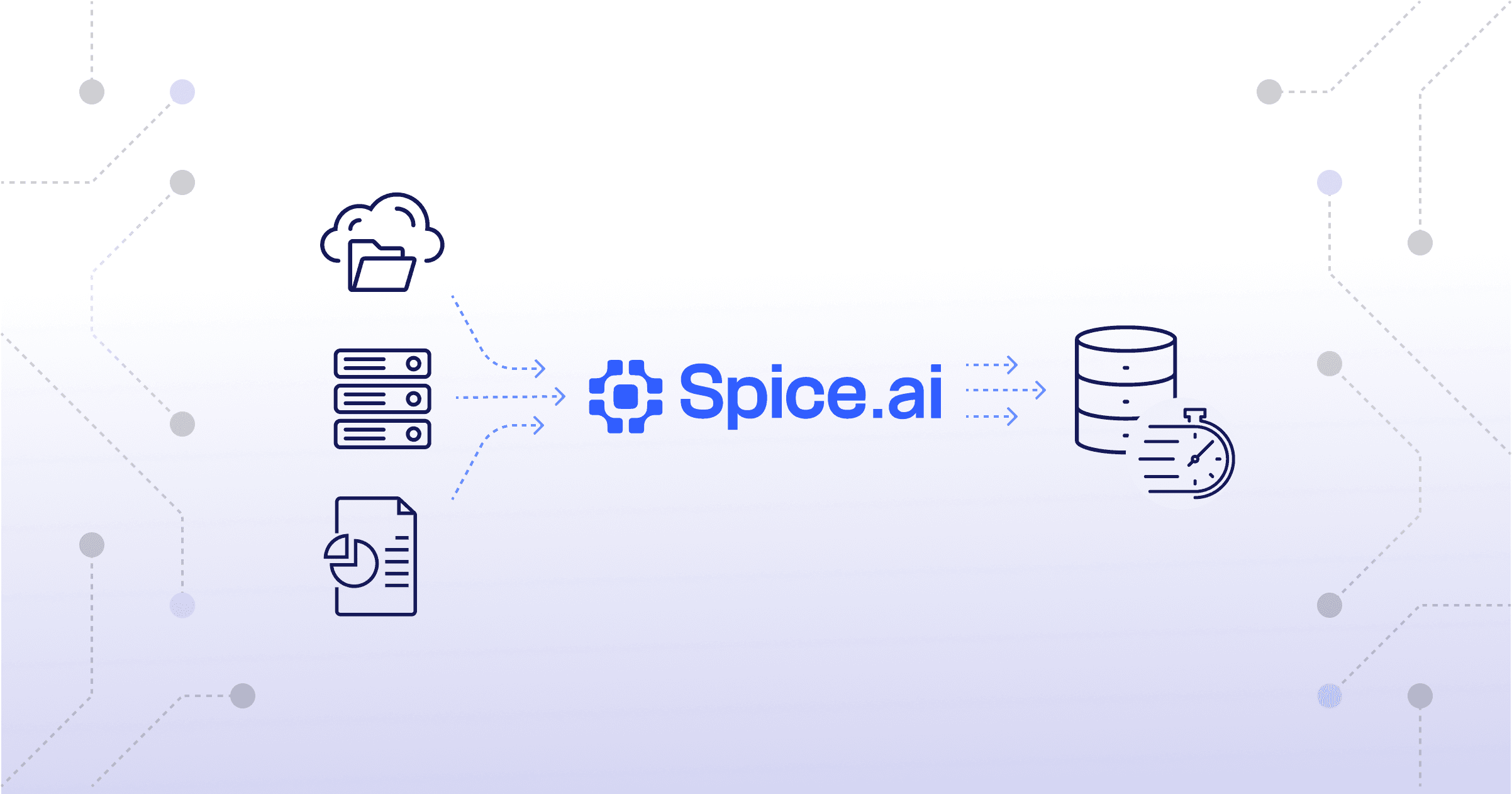
Spice SQL federation and acceleration can run alongside an application and serve selected datasets locally. Its deployment architecture guide describes sidecar and shared deployment options.
The application can query the runtime through HTTP on port 8090 or Arrow Flight on port 50051. Dataset configuration determines which reads use local acceleration and which access remote sources. Co-location alone does not cache every query or define automatic fallback behavior.
The container deployment documentation distinguishes /health from /v1/ready. Use those signals with an appropriate startup budget and dataset readiness policy. Mount configuration and persistent storage according to the selected acceleration engine.
For edge-to-cloud deployments, choose the working set, refresh behavior, and outage policy explicitly. Compare per-application sidecars with a shared runtime when sizing connected datasets. Local execution is most useful when the data and compute needed by frequent requests remain local.
The Sidecar Deployment Architecture recipe in the Spice cookbook gives two refresh configurations for a sidecar: full refresh and time-based append. It also covers dataset size limits, refresh strategy, and resource monitoring.
Sidecar Pattern FAQ
Sidecar containers run in separate processes and do not automatically share application heap memory. Containers in a Kubernetes Pod share networking and can mount explicitly configured shared volumes. Their container filesystems remain separate unless storage is shared.
A container can restart independently inside a running Kubernetes Pod. The application must reconnect and apply its configured failure policy. Replacing the entire Pod replaces both the application and its sidecar.
A sidecar deploys alongside an application instance and usually scales with that instance. A shared microservice has an independent deployment and can serve multiple callers. The choice depends on locality, resource duplication, and operational ownership.
Each application replica adds another helper with its own CPU, memory, and storage needs. Fifty helpers using 1 GiB each consume 50 GiB before application memory. Include rollout capacity, ingestion buffers, and query execution when sizing the deployment.
A sidecar can run a local model behind an API consumed by the application. Model memory and accelerator requirements can make per-replica deployment expensive. Verify outbound calls and telemetry before assuming that all inference data stays on the host.
Local communication does not guarantee any particular response time. Scheduling, serialization, query execution, storage reads, and contention still contribute to latency. Measure the complete request under realistic load and during startup or refresh.
Learn more about sidecar deployment
Documentation and guides on deploying Spice alongside applications for local data access.
Deployment Architecture Docs
Learn how to deploy Spice alongside an application and configure local data access, readiness, and storage.

A Developer's Guide to Understanding Spice AI
An explanation of how Spice deploys as a sidecar data and AI runtime alongside applications.

Getting Started with Spice.ai SQL Query Federation & Acceleration
Learn how to use Spice to federate and accelerate queries in sidecar mode.
See Spice in action
Get a guided walkthrough of how development teams use Spice to query, accelerate, and integrate AI for mission-critical workloads.
Get a demo (opens in a new tab)